The seed phrase: what it is and why you tell it to nobody
12 or 24 words are not “the app password”. They are the wallet. Whoever knows them can drain it.
Crypto360 editorial · 2 min ·
When you create a non-custodial wallet you are shown ordinary words: apple, river, clock… That is the seed / recovery phrase. All of the wallet's keys are derived from it.
The app password is a lock on this copy on this phone. The seed is the master key to every copy, on any device, now and in ten years.
Why “nobody”
The network does not know who you are. It knows a signature. Whoever has the seed has the signature. You cannot reverse a transfer the way you reverse a card payment. Wallet support does not ask for a seed: they do not need it and it would be dangerous.
How to store it
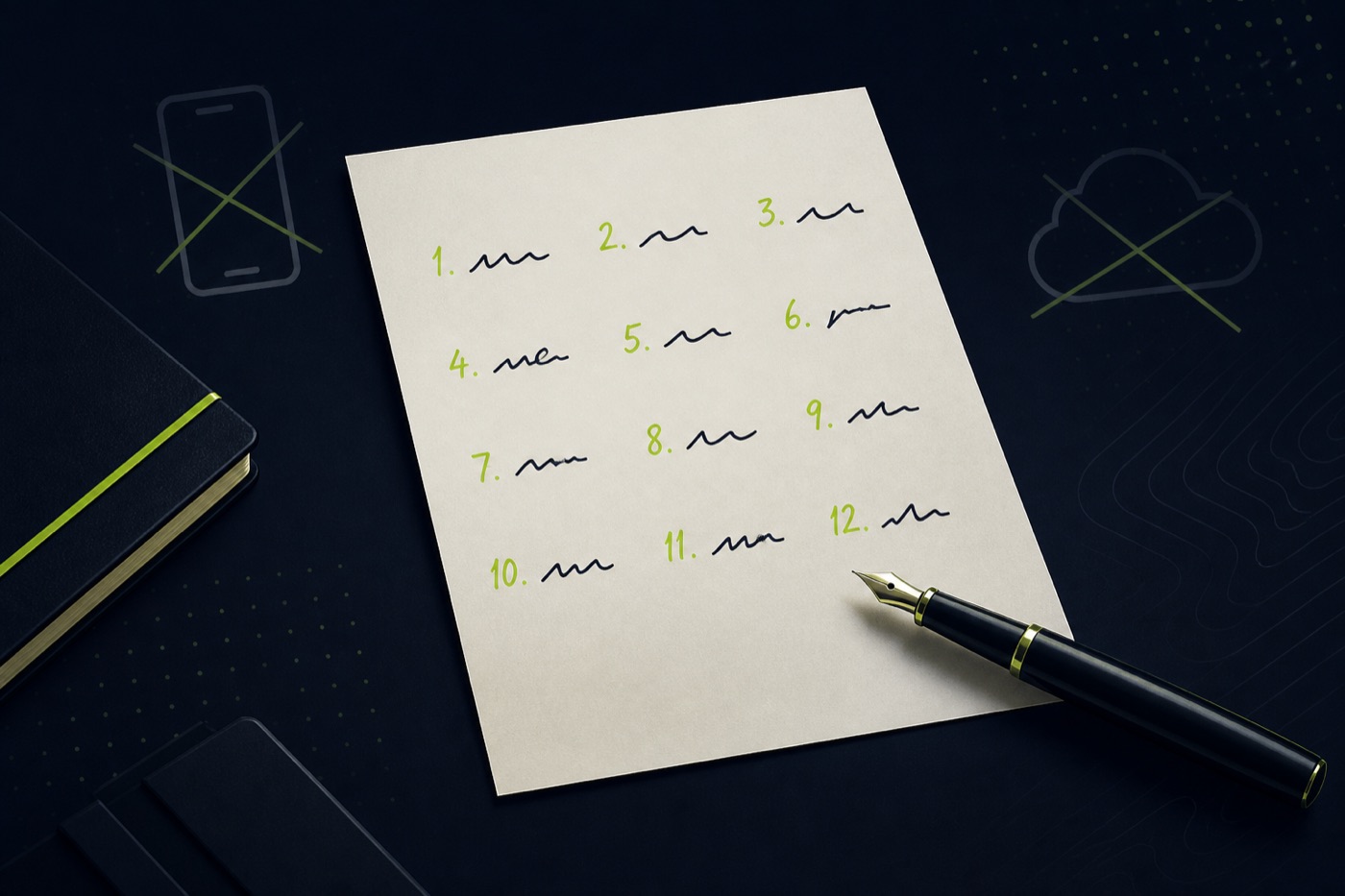
Write it on paper in your own hand. Check every word and the order.
Two copies in two places that do not burn and flood together. Not email, not iPhone Notes, not a chat with yourself.
Never type it unless you are restoring the wallet on your own device, downloaded from the official site.
A metal plate beats paper if the amount is serious. A “just in case” photo is the most common way to lose everything to a cloud breach.
When you do type the seed
Only in the official app that you opened yourself, on the Restore / Import wallet screen. Not from a link in an email. Not in an extension that “support sent”.
If you are unsure, do not type it. The money can wait. A seed that left in a chat is no longer yours.
Published for information, not as financial advice. Terms and prices change — check the source before you buy or sell anything.